How to Pay Less on Upwork: 7 Legitimate Ways to Reduce Fees in 2026 (and When to Skip the Platform Entirely)
Upwork's fees aren't fixed in stone — the sliding scale, contract structure, and client relationships all change what you actually pay. Here are 7 legitimate ways to lower your effective rate, plus the honest math on when leaving makes more sense.
By Mostmailer Team · 2026-07-21
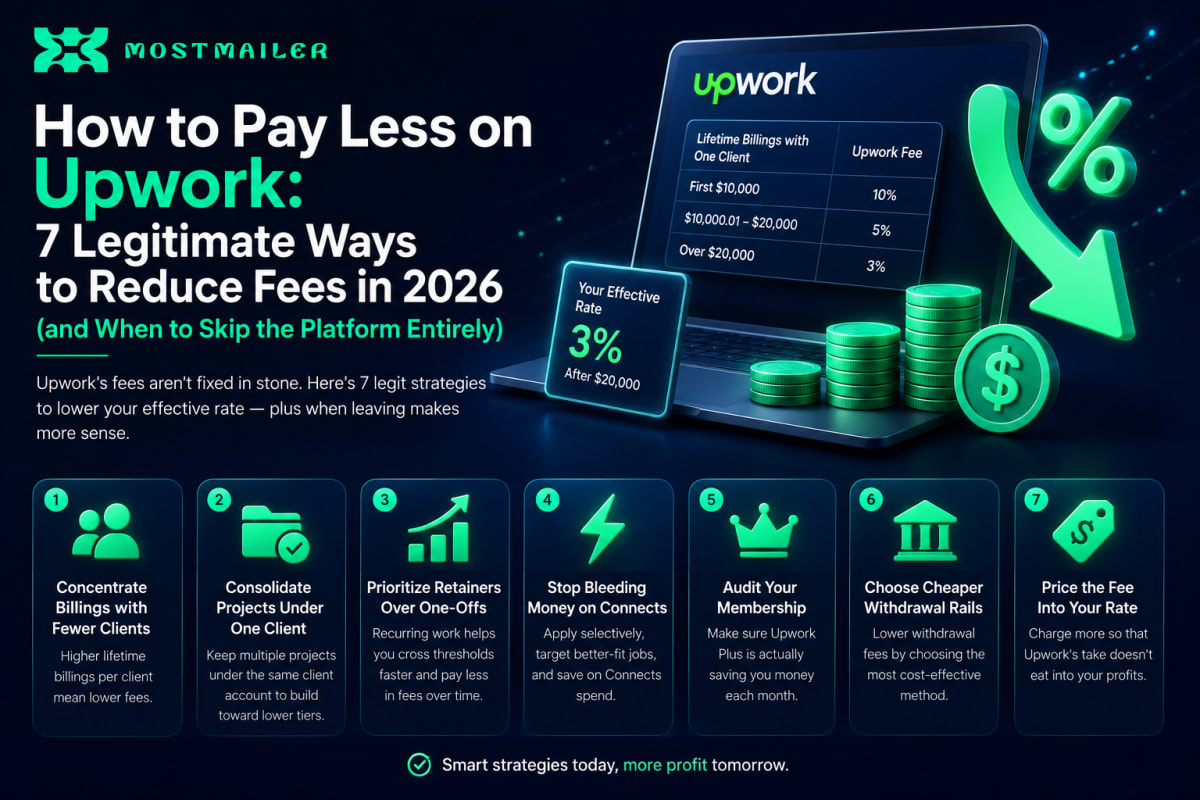
Quick answer: You can't negotiate Upwork's fees, but you can legitimately reduce what you effectively pay in seven ways: concentrate billings with fewer long-term clients (the sliding scale drops from 10% to 5% after $10,000 with one client, and to 3% after $20,000), consolidate multiple projects under one client account, prioritize retainer relationships over one-off gigs, minimize Connects waste with selective proposals, avoid unnecessary paid memberships, choose lower-cost withdrawal methods, and price your rates with the fee already built in. The one thing you must never do is take Upwork-originated clients off-platform without following Upwork's conversion process — that risks account suspension. For freelancers whose work doesn't fit long-term client patterns, the honest answer is often that no optimization beats building a direct pipeline where the fee is zero.
Here's each strategy in detail, with the math.
First, Understand What You're Actually Paying
Upwork's headline fee is a sliding scale per client relationship:
| Lifetime billings with one client | Fee |
|---|---|
| First $10,000 | 10% |
| $10,000.01 – $20,000 | 5% |
| Over $20,000 | 3% |
But the commission is only part of the total cost. The full stack includes Connects (paid credits to submit proposals), optional Freelancer Plus membership, withdrawal fees, and the indirect cost of client-side fees (which shrink what clients are willing to pay you). We broke down the complete structure in our Upwork pricing guide — this post is about reducing it.
Strategy 1: Concentrate Billings With Fewer Clients (Biggest Lever)
The sliding scale is per client, so ten clients paying $2,000 each cost you 10% on everything ($2,000 in fees), while one client paying $20,000 costs a blended 7.5% ($1,500) — and every dollar after that is just 3%.
The math at $30,000 of work:
| Structure | Total fees | Effective rate |
|---|---|---|
| 15 clients × $2,000 | $3,000 | 10% |
| 3 clients × $10,000 | $3,000 | 10% |
| 1 client × $30,000 | $1,800 | 6% |
Practical application: when an existing client offers new work, take it before chasing a new client at the same rate — the same dollar of revenue costs less in fees. Propose expanded scope, follow-on phases, and maintenance retainers to clients you've already crossed thresholds with.
Strategy 2: Consolidate Projects Under One Client Account
If a client's company has multiple projects, departments, or stakeholders hiring separately, each new client account resets your fee meter to 10%. Where legitimate, ask the client to run new contracts through the same Upwork client account — the billings accumulate toward your threshold instead of starting over.
This is entirely within Upwork's rules; it's just contract hygiene most freelancers never think to ask about.
Strategy 3: Prioritize Retainers Over One-Off Projects
A $1,500/month retainer crosses the $10,000 threshold in month seven — from that point, your fee halves. Twelve months in, you've paid a blended ~8.6% instead of a flat 10%, and year two runs mostly at 5% and then 3%.
One-off project work, by contrast, keeps you permanently in the 10% bracket because each new client resets the scale. When quoting, structure proposals toward ongoing engagement where the work genuinely supports it: monthly maintenance, content calendars, ongoing campaigns.
Strategy 4: Stop Bleeding Money on Connects
Connects are the invisible fee. Applying to 40–50 jobs a month at several Connects each adds a real monthly cost before you've earned anything — and it's paid whether or not you win the job.
Reduce the bleed:
- Apply selectively. Ten tailored proposals to well-matched jobs outperform fifty generic ones — in both win rate and Connects spend.
- Skip stale listings. Jobs open for many days with dozens of proposals have poor odds; your Connects are better spent on fresh postings.
- Check client history first. No hire history, unverified payment — weak odds. Spend Connects on clients who actually hire.
Strategy 5: Audit Your Membership
Freelancer Plus makes sense if you consistently use its monthly Connects allowance and profile features. If you're paying for it out of habit while applying to a handful of jobs, the free tier plus à-la-carte Connects is often cheaper. Do the math once a quarter — it takes two minutes.
Strategy 6: Choose Cheaper Withdrawal Rails
Withdrawal fees vary meaningfully by method and country. Direct-to-local-bank transfers, fewer larger withdrawals instead of many small ones, and comparing the exchange-rate spread (not just the flat fee) all trim a recurring cost most freelancers never look at. Small percentages, but they repeat every payout, forever.
Strategy 7: Price the Fee Into Your Rate
The simplest fix of all: if your target is $50/hour net, your Upwork rate is $55.56 at the 10% tier — not $50. Freelancers who set rates from their take-home target rather than the sticker number stop absorbing the fee as a personal loss and start treating it as a cost of the channel, passed through like any other business expense. Clients comparing rates on the platform are comparing fee-inclusive numbers anyway.
What NOT to Do: Taking Clients Off-Platform
The tempting "hack" — meeting a client on Upwork, then moving to direct invoicing to skip the fee — violates Upwork's terms of service. Upwork monitors for it, and the penalty is account suspension, which costs you every client relationship and review you've built. Upwork does have an official conversion process for taking a relationship off-platform (involving a conversion fee); if a long-term client wants out, use that route, not a side channel.
Clients you find through your own outreach, on the other hand, have no such restriction — which brings us to the honest part.
The Honest Math: When Optimization Isn't Enough
Every strategy above reduces your effective rate — but notice what they require: long-term clients, retainer structures, concentrated billings. If your work is naturally project-based with new clients each time, the sliding scale never works in your favor, and you're structurally locked at ~10% plus Connects, forever.
Run the comparison at $3,000/month of new-client project work:
| Channel | Annual cost |
|---|---|
| Upwork (10% + Connects) | ~$3,600 + Connects spend |
| Direct outreach | Flat tool cost — a small fraction of that |
That's the point where the question changes from "how do I reduce the fee" to "why am I paying a percentage for client discovery I could own myself." Direct outreach — researching prospects, sending personalized cold email, following up systematically — replaces the one thing the fee actually buys: discovery. Everything else (payments, contracts) costs almost nothing to replace with standard tools.
MostMailer packages that discovery engine into one dashboard: AI-personalized emails from a service profile you set up once, built-in inbox warmup so your sending account doesn't land in spam, automated follow-up sequences that stop the moment a lead replies, and reply tracking with campaign analytics. The clients it finds are yours — no percentage, no Connects, no terms of service governing the relationship.
The smart play isn't rage-quitting Upwork; it's the hybrid: optimize your fees with the strategies above while building a direct pipeline in parallel — then let the numbers decide where your effort goes. We covered that migration path in detail in Fiverr vs Upwork fees compared.
Frequently Asked Questions
Can you negotiate fees with Upwork directly? No. The fee structure is fixed platform-wide for standard accounts — there's no negotiation channel. The only levers are structural: how your billings concentrate across clients and which tiers you reach.
Does Upwork ever run lower fees or promotions? Upwork has adjusted its fee structure over the years (it previously used a different model before the current sliding scale), and enterprise arrangements differ — but for standard freelancers, the published scale is what applies. Always check Upwork's current pricing page, as structures do change.
How long does it take to reach Upwork's 5% tier with a client? Purely a function of billing volume: a $2,500/month retainer crosses $10,000 in month four; a $1,000/month client takes ten months. The scale is lifetime billings per client, so it never resets as long as the same client account is used.
Is Freelancer Plus worth it? Only if you actively use the monthly Connects allowance and profile features. For freelancers applying to a few jobs a month, the free tier is usually cheaper. Recalculate quarterly based on your actual application volume.
What happens if I take an Upwork client off-platform? Circumventing fees violates Upwork's terms and risks permanent suspension. Upwork offers an official paid conversion process for moving a relationship off-platform — if a client relationship has outgrown the platform, that's the route to use.
Is direct outreach really cheaper than Upwork's fees? For freelancers earning a few thousand dollars monthly from new clients, platform fees run into thousands per year, while a complete outreach stack costs a flat monthly amount well below that. The trade-off is effort: outreach requires list building, personalization, and consistency that marketplaces handle for you. The economics favor outreach as income grows; the convenience favors marketplaces when starting from zero.
Ready to build the pipeline that doesn't take a cut? Create a free MostMailer account and run direct outreach alongside your Upwork work — then let the numbers decide.